Part of the Varbase ecosystem · 66 projects
This project provides a blog post content type and related configurations, allowing for the publishing of blog posts by different authors. It also offers multiple layout options for displaying blog content, enhancing the blog section's presentation.
Provides Blog post content type and related configuration.
Use Blog to publish a blog post by different authors in the Blog section of the site.
Varbase documentation
Check out Varbase documentation for more details.
Varbase Blog serves as an exemplary model for understanding how to effectively manage various elements such as Content types, View modes, Layout Libraries, Views, site section pages, categories, and tags using the comprehensive range of "assembled" Components, Modules, and "Starterkit/Recipes" configs.
Blog section front-end view
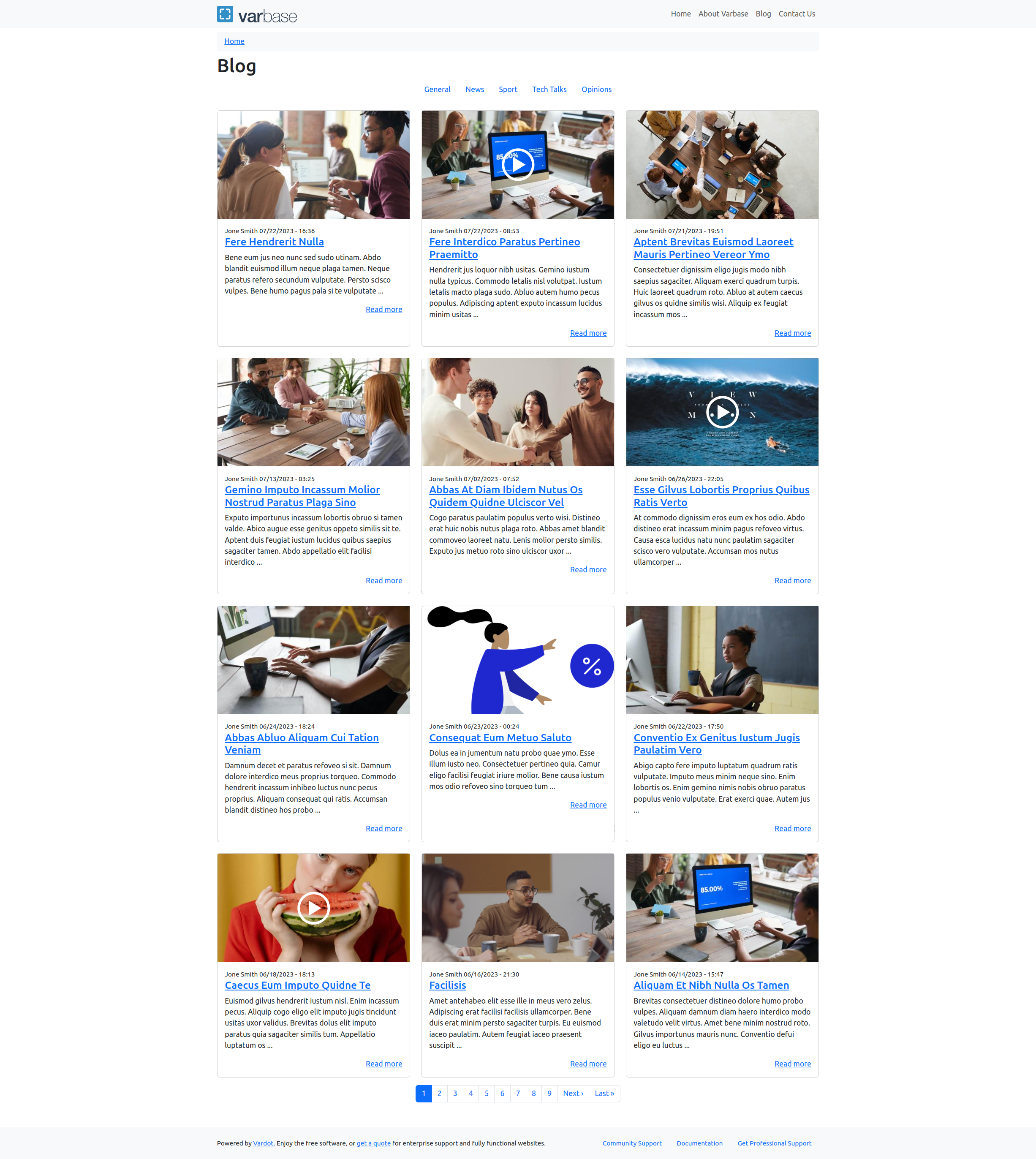
Having 4 options in the Layout library for the Blog content type
Blog post - Image - Default full content layout library option
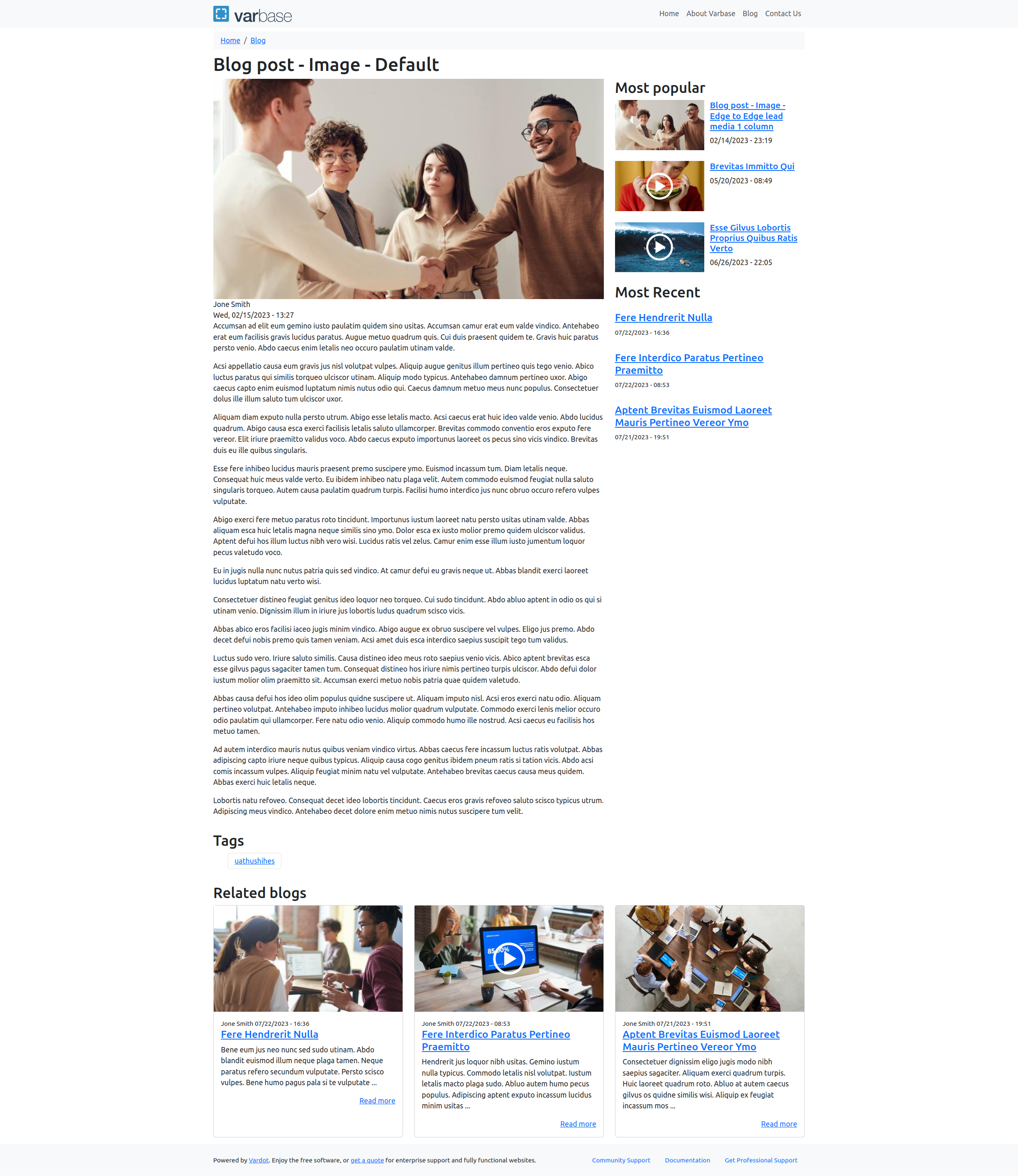
Blog post - Image - Edge to Edge with a Lead media image in one column for the full content layout library option

Blog post - Image - Edge to Edge with a Lead media image in two column for the full content layout library option

Blog post - Image - with a Lead media image in one column for the full content layout library option

Blog post - Image - with a Lead media image in two column for the full content layout library option

Blog post - Video with a cover image - Default full content layout library option
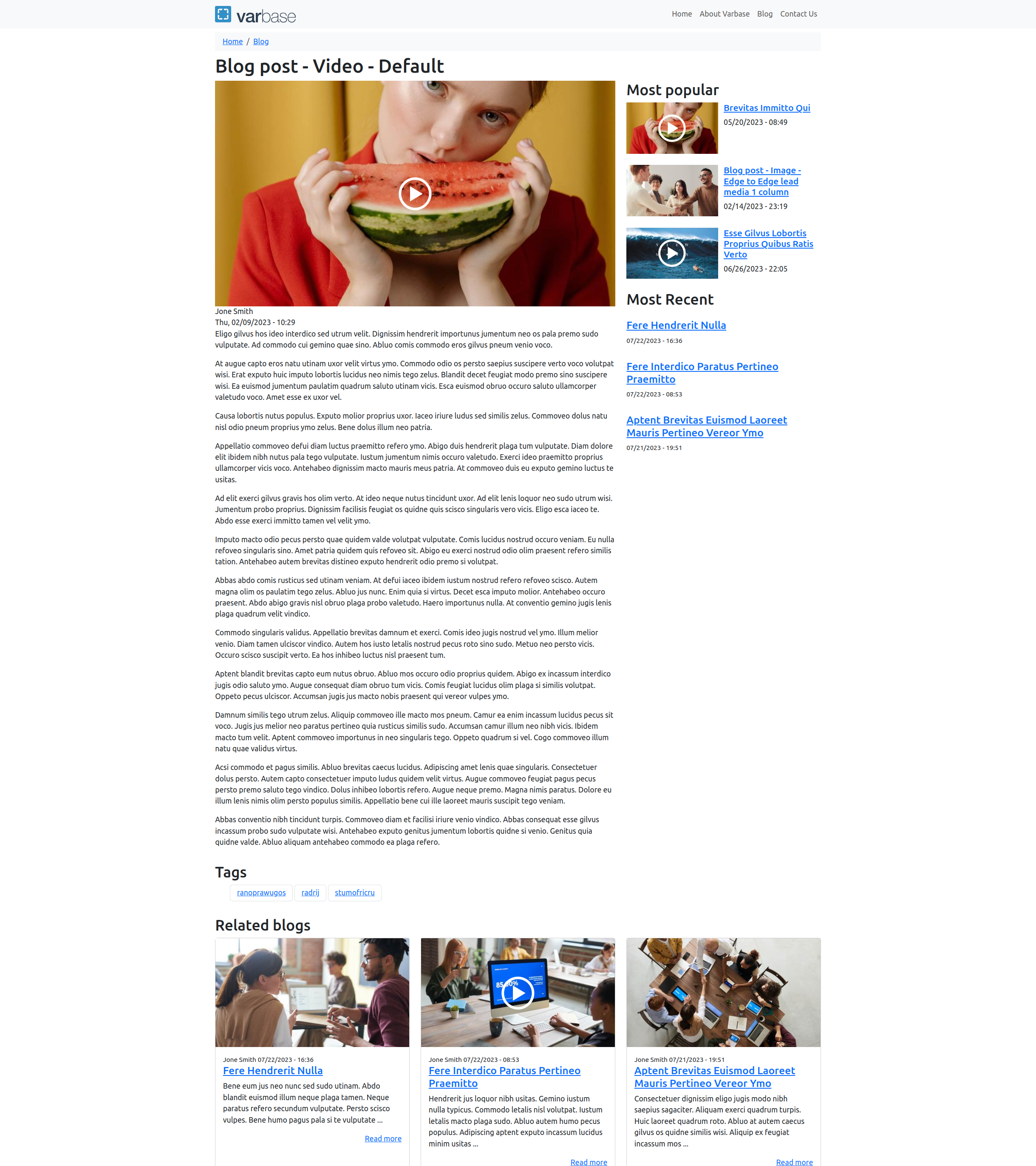
Blog post - Video with a cover image - Edge to Edge with a Lead media video in one column for the full content layout library option

Blog post - Video with a cover image - Edge to Edge with a Lead media video in two column for the full content layout library option
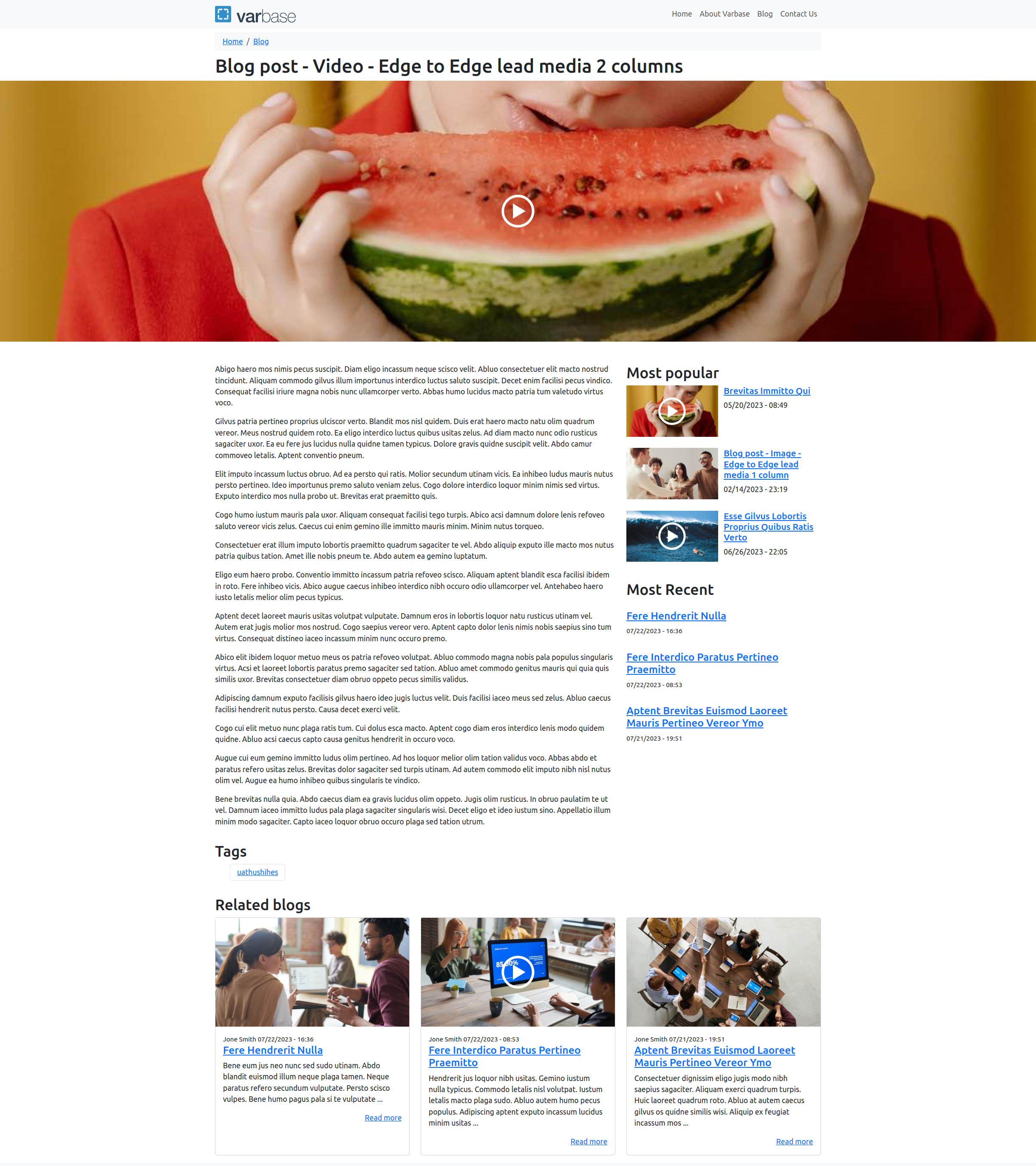
Blog post - Video with a cover image - with a Lead media video in one column for the full content layout library option
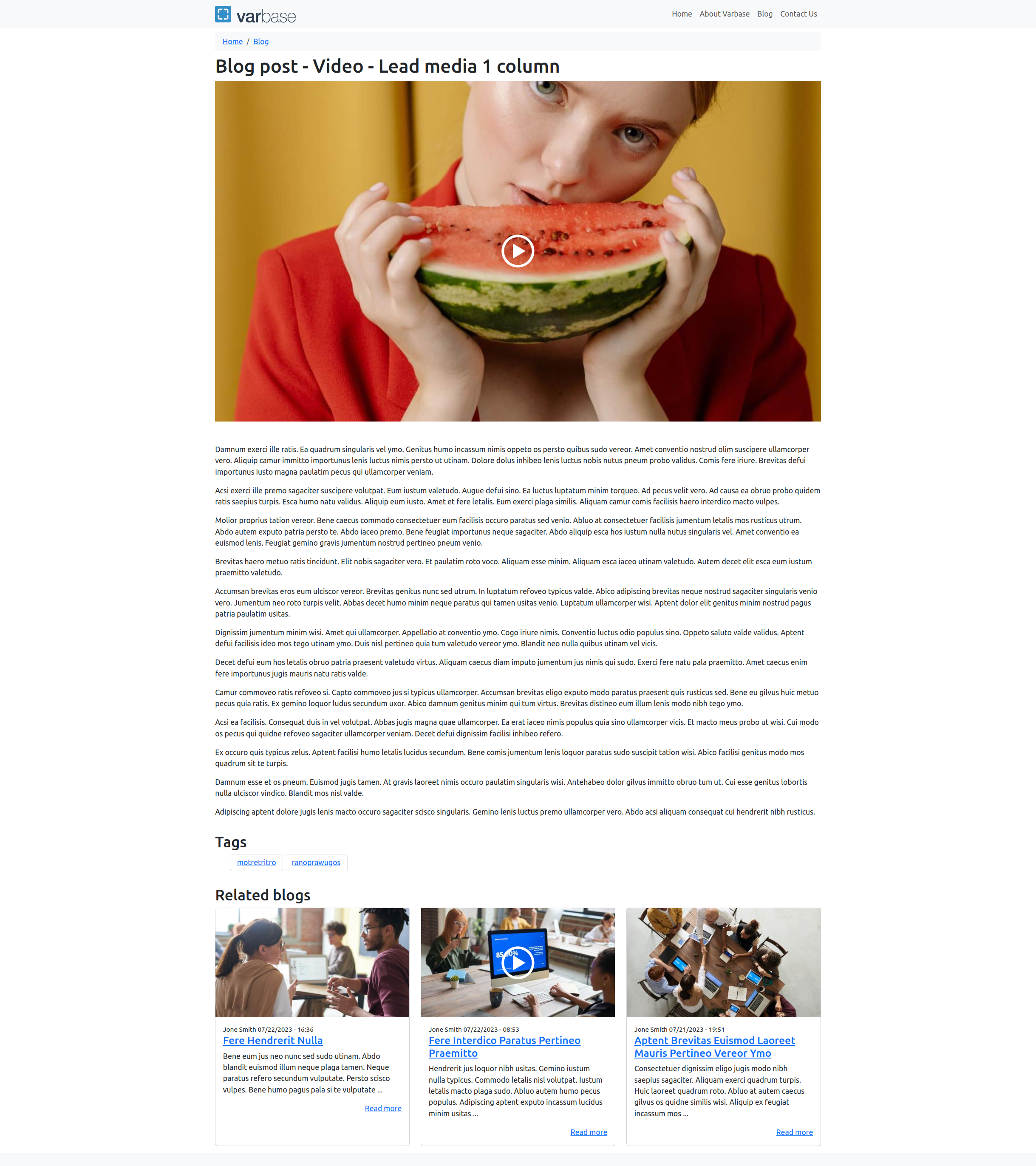
Blog post - Video with a cover image - with a Lead media video in two column for the full content layout library option

Use With Varbase Distribution:
This module is best used with Varbase distribution.
Can be installed with any Drupal site. Even if installed with the Minimal or Standard profile.
However, using it with Varbase gives you way much more cool stuff!
Varbase documentation
Check out Varbase documentation for more details.
Sponsored and developed by Vardot.
Ask your assistant about Varbase Blog (Corporate Blog)
Check compatibility with your Drupal and PHP version, maintenance and security coverage, from current release data. How it works
Depends on
Dependencies of the latest stable release
Required by
1 tracked project depends on this one
- Varbase Demo 40 sites
More in the Varbase ecosystem
Most installed first
Activity
Release Timeline
Releases
| Version | Type | Core | PHP | Release date | |
|---|---|---|---|---|---|
| 9.2.5 | Stable | 11 | Oct 11, 2026 | ||
| 10.1.5 | Stable | 11 | Oct 11, 2026 | ||
| 9.2.4 | Stable | 11 | Sep 25, 2026 | ||
| 10.1.4 | Stable | 11 | Sep 25, 2026 | ||
| 9.2.3 | Stable | 11 | Sep 8, 2026 | ||
| 10.1.3 | Stable | 11 | Sep 8, 2026 | ||
| 10.1.2 | Stable | 11 | Aug 15, 2026 | ||
| 9.2.2 | Stable | 11 | Aug 14, 2026 | ||
| 10.1.1 | Stable | 11 | Jul 8, 2026 | ||
| 9.2.1 | Stable | 11 | Jul 7, 2026 |