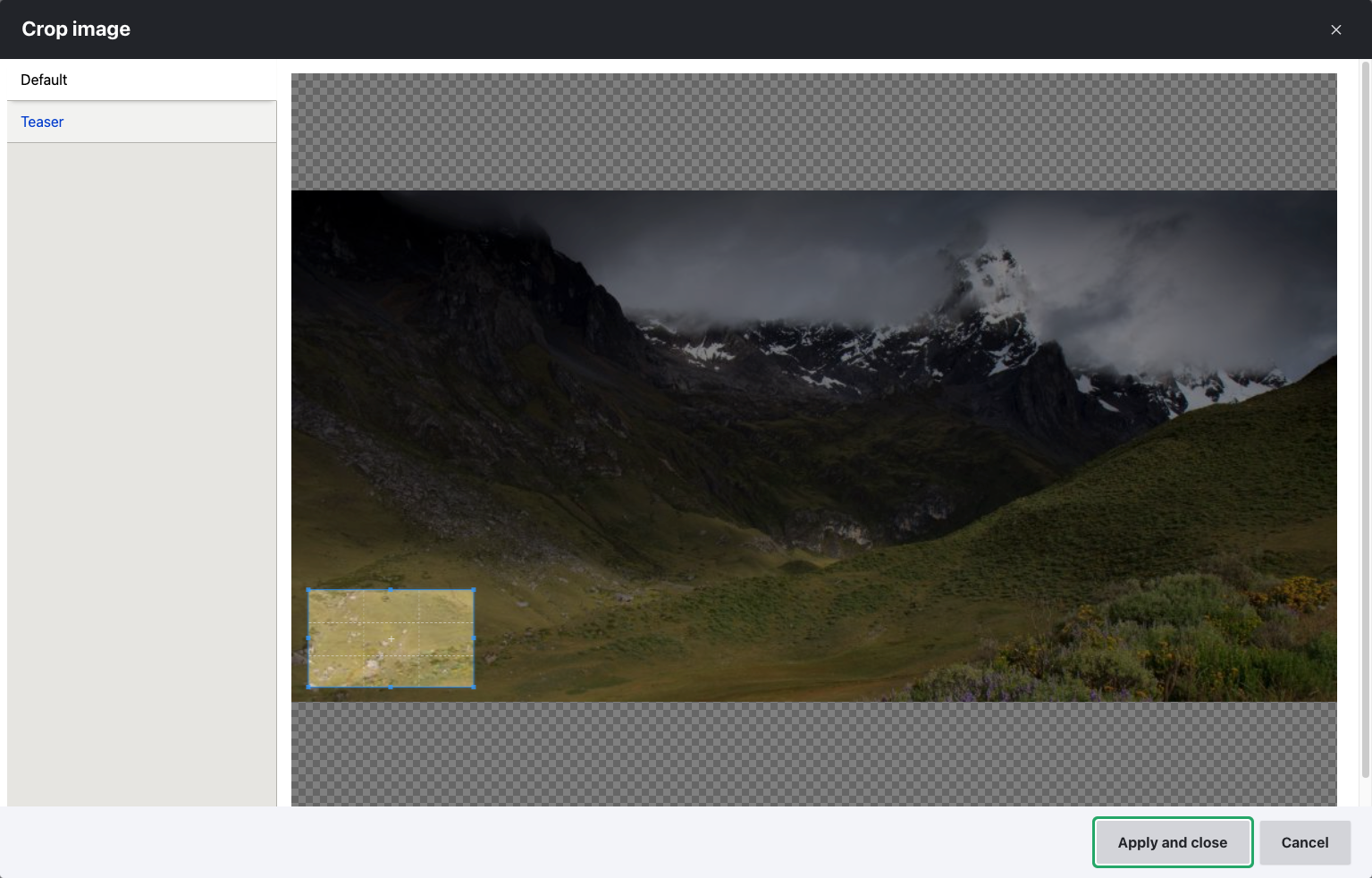
This module allows content editors to crop images directly within Drupal. It enables different cropping options for different view modes, meaning you can have specific cropped versions of an image for various display contexts. This functionality applies to both standard image fields and media image fields.
The View Mode Crop module allows content editors to crop images to use in
a website. The availability of the cropping function is determined by the
view modes defined for the entity the image or media entity reference fields
are attached to. This means you can create distinct cropped images for each
view mode.
Cropping enabled for image and media fields:
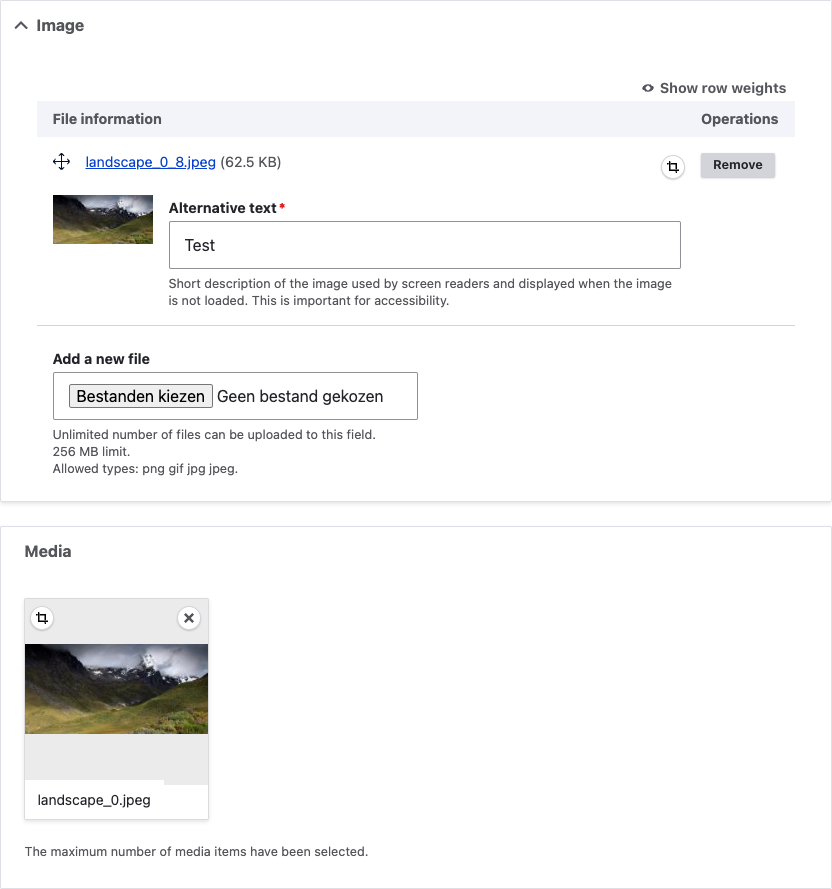
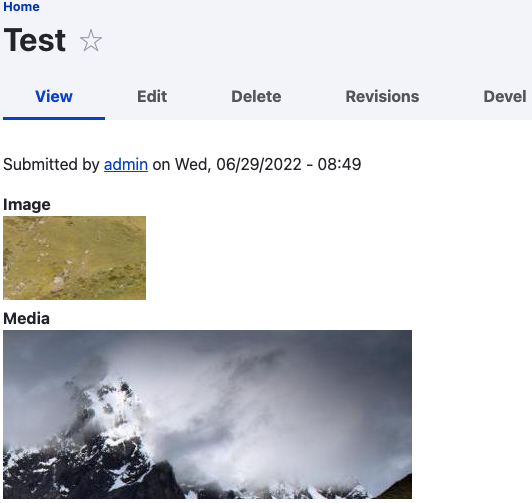
Viewing the node with the cropped images:
Enabling cropping for image fields:
You can enable cropping for image fields by selecting the "Image (cropped)"
formatter for the field.
Enabling cropping for media image fields:
Cropping of media-based image fields allows you to do cropping at the entity
level instead of the media level, which means that distinct cropped variants
of the same image media can be used in different entities.
Ask your assistant about View Mode Crop
Check compatibility with your Drupal and PHP version, maintenance and security coverage, from current release data. How it works
Depends on
Dependencies of the latest stable release
- image Drupal core
- responsive_image Drupal core
Required by
Tracked projects that depend on this one
No tracked projects depend on this one yet.
Activity
Releases
| Version | Type | Core | PHP | Release date | |
|---|---|---|---|---|---|
| 1.0.0 | Stable | 9–11 | Jan 12, 2026 |