This module allows users to run and create automated Behat tests through a web interface. It supports running existing test suites with various authentication and background execution options, and provides an interactive editor for building new tests with features like auto-completion and syntax highlighting. The module can then export the updated feature files and test results.
The Behat UI module lets any person to run automated tests and create new tests (and also run them while they are being created). The user can later download the updated feature with the newly created test. It's fully customizable and the interface is very interactive/intuitive.
Features on running an existing test suite:
- The Behat binary and behat.yml can be located at any place, you just need to provide the path to them
- HTTP authentication, for both headless testing and real browser testing (Selenium)
- Tests run on background, the module checks for the process periodically and the output is updated on the screen (because some large test suites can take even hours to run)
- Kill execution
- Colored and meaningful output
- Run the testing suite as a Drush command: `drush bui` or `drush behat-ui`
- Export output as HTML or plain text
Features on creating a new test (scenario) through the interface:
- Choose feature (among the existing ones), title and whether it requires a real browser (i.e., needs JavaScript or not)
- Check available step types
- Choose step type from select field ("Given", "When", "Then", "And", and "But" )
- Auto-complete and syntax highlighting on the step fields
- Add new steps
- Remove a step
- Reorder steps
- Run test at any time (even if it's not completed yet)
- Download the updated feature with the new scenario
YAML extension is required. You can install it through PECL: `# pecl install yaml`
Check the example FeatureContext.php file for two examples of useful steps:
- Take screenshot (very useful for debugging specially if you run Selenium headless, using XVFB or something like that)
- HTTP authentication
You can run the tests using PhantomJS instead of Selenium. In order to do that, just run PhantomJS on port 8643, this way: phantomjs --webdriver=8643 --cookies-file=/tmp/cookies.txt. In that case, you should put the path http://localhost:8643/wd/hub as the wd_host in behat.yml. It didn't work with PhantomJS 2.0, but it does work with PhantomJS 1.9.8.
If you don't know from where to start, check the file sample-test-suite.zip.
Check this video to understand better how it works.
Check the module on Github.
Behat UI - Settings - Editing Mode - Free text
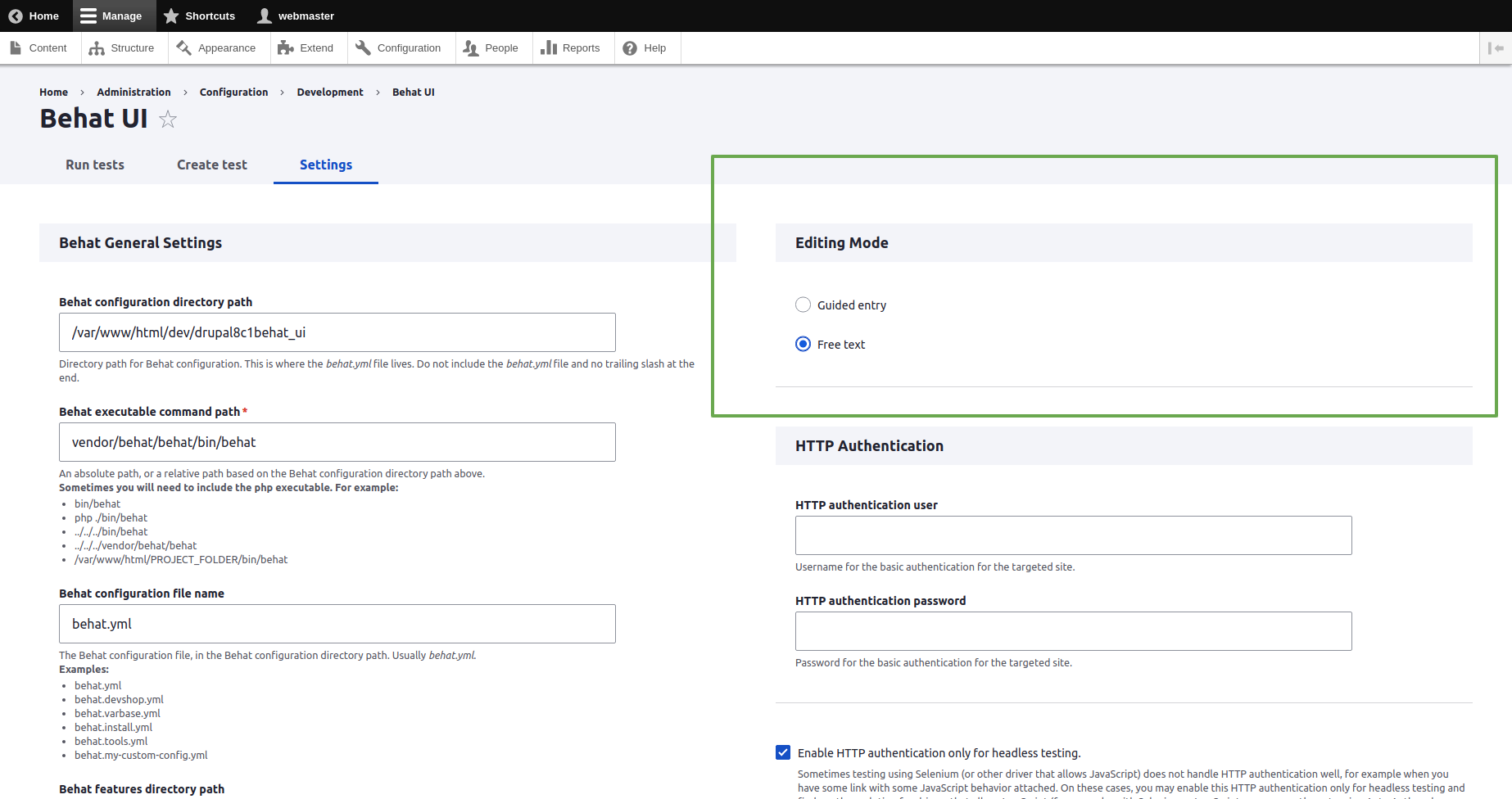
Only to start with “Guided entry” for new automated testing writers then move to “Free text” style for more expert automators writing
Quick preview of the UI/UX
Click to watch the video
Long Complete Video - Click to watch
https://www.youtube.com/watch?v=O1cuU-mdYgo
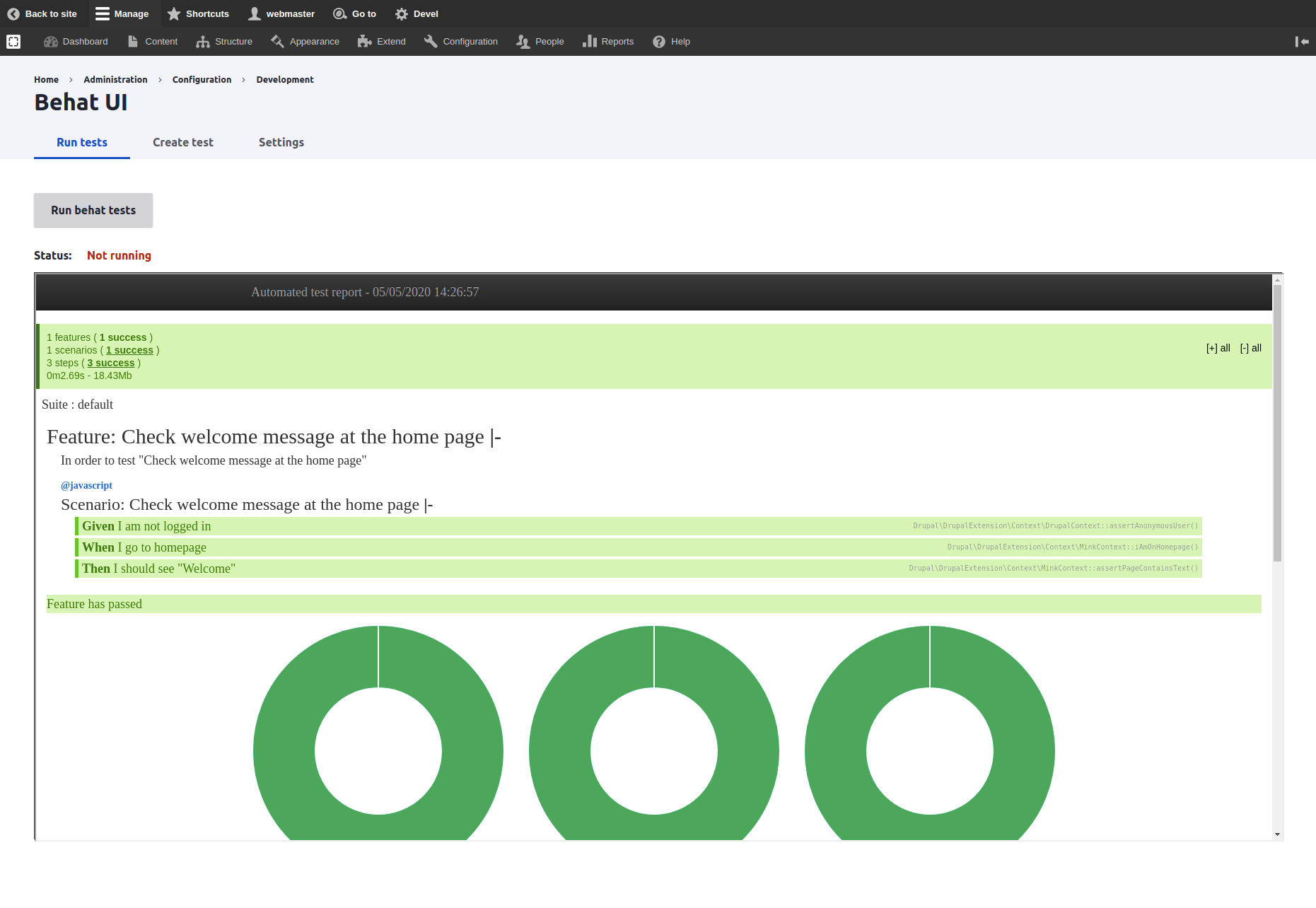
Better HTML test report in the Run Behat Tests with Behat UI
Ask your assistant about Behat UI
Check compatibility with your Drupal and PHP version, maintenance and security coverage, from current release data. How it works
Depends on
Dependencies of the latest stable release
No dependencies recorded for this project.
Required by
Tracked projects that depend on this one
No tracked projects depend on this one yet.